
Movement variety at your desk: is there one perfect posture?
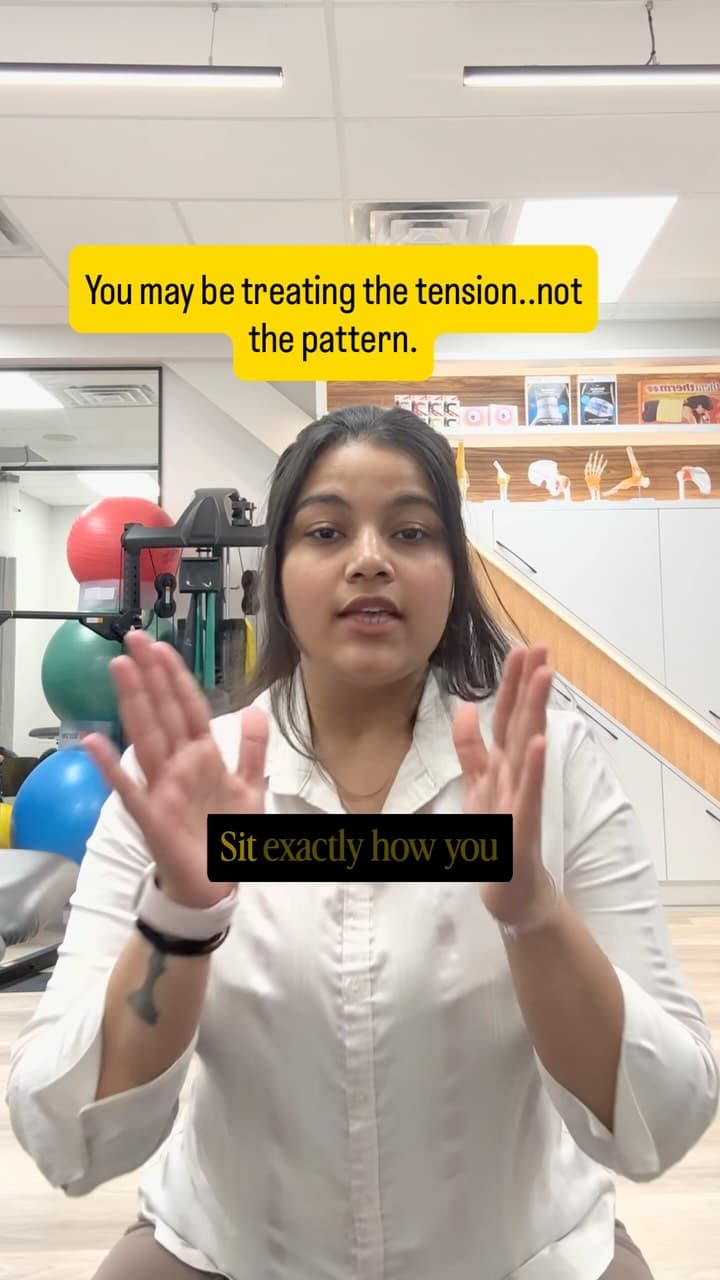
“Physiotherapy, strength and movement education—without reducing your body to one painful spot.”
Review pending: Editorial draft prepared for Nishika Singh’s review. The linked reel’s audio and captions have not been verified; this article is not a transcript or a statement of her clinical advice.
Quick answer
A useful desk setup should let you see your work, reach what you need and change position comfortably. CCOHS describes good sitting as allowing natural position changes within a comfortable range. The aim is a workable day, rather than holding one pose indefinitely.
What makes a setup useful?
CCOHS considers the task, workstation and chair together. It recommends adjustable equipment that suits the person and allows voluntary changes in position. A photograph of somebody else’s desk is not enough to establish what will work for your body, vision and job.
An example of a flexible workday
Think about the tasks you already do: typing, reading, calls and getting water. Ask where a comfortable change of position could fit without disrupting the task. You might use chair support for one task and stand for another if that is comfortable and practical. This example is an editorial planning suggestion, not a clinical schedule.
Do I need a standing desk?
CCOHS encourages variations between sitting and standing, rather than prolonged time in either position. A standing desk is one way to make some changes possible; it does not answer every question about comfort. Start by identifying the task or setup you actually want to improve.
How often should I change position?
There is no personalised break schedule established by this article. Consider the task, what your workplace allows and when you notice discomfort or fatigue. If symptoms are limiting your day, seek advice rather than repeatedly forcing yourself through them.
Does this mean workstation adjustment does not matter?
No. Movement options and a workable setup can be considered together. A useful review asks both whether you can change position and whether the screen, chair and frequently used items suit your task. Avoid framing equipment and movement as competing solutions.
How can I describe the issue clearly?
Write down the task, when discomfort appears and what makes the task easier or harder. Bring those details to an assessment or workplace ergonomics discussion. The goal is to explain your experience clearly, not to diagnose yourself from the way you sit.
A useful next step
Choose one question to explore this week: Can I read the screen comfortably? Can I support my arms? Can I change position when I want? Review what you notice. If you need individual guidance, the website separates physiotherapy booking from personal-training enquiries.
Related reel
Watch the related Instagram reel. Topic mapping comes from the project’s reel catalogue and must be checked against the original recording before publication.
Sources and further reading
Sources checked on 3 October 2026. These sources support the explanations above; they do not verify the reel or establish an individual diagnosis.
Need an individual assessment and recovery plan?
Nishika provides hands-on orthopedic care, spinal rehabilitation, and posture screening at Physiocare Physiotherapy (South Keys, Ottawa). Book directly online in minutes.

Nishika Singh
· Registered PhysiotherapistPhysiotherapy, strength and movement education—without reducing your body to one painful spot. Practicing in Ottawa, Ontario at Physiocare Physiotherapy (South Keys).